Video tutorials
One thing per video, a few minutes each. Each opens on YouTube. New ones are added here as they come out.
VIDEO 1
Welcome to QMe
What QMe is and what it does for you on stage, in two minutes.
Written guide: Getting Started
VIDEO 2
A Quick Tour
Every tab in three minutes, so you know where things live before the other videos go deeper.
Written guide: Getting Started
VIDEO 3
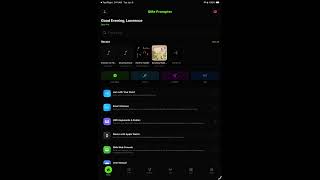
Home Screen
Your recent songs, quick search, and the shortcuts to everything else.
Written guide: Home Screen
VIDEO 4
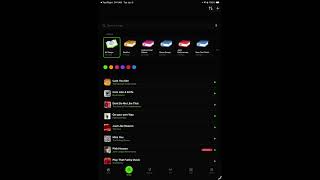
Song Screen
A song in QMe: lyrics with the chords over the right words, the toolbar, and the play button that starts the scroll.
Written guide: Song Library
VIDEO 5
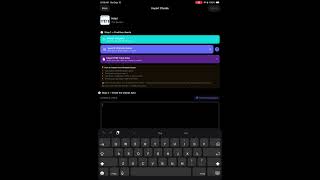
Getting Your Songs In
Four ways in: search a title online, paste from a doc, import a PDF, or bring a whole library over on the website.
Written guide: Import & Export
VIDEO 6
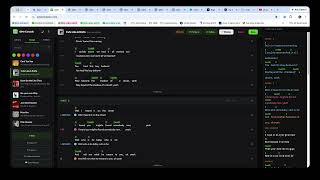
The Web Console
qmeprompter.com on a computer: edit with a real keyboard, name who sings each section or line in their own colour, build setlists, and it all syncs to your iPad on its own.
Written guide: Web Console
VIDEO 7
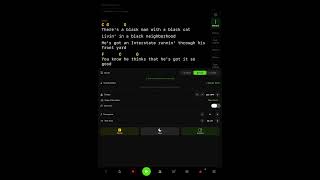
Teleprompter: Three Ways to Scroll
The settings, and the three ways the lyrics can move: follow your voice, follow the recording, or a tempo you set.
Written guide: Teleprompter
VIDEO 8
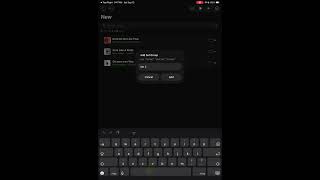
How to Build a Setlist
Start to finish: make the list, add songs, split it into sets, drag between them, check the running time, press Perform.
Written guide: Setlists

VIDEO 9
Group Jam
Jam mode: start a jam, share the code, and every bandmate's screen follows yours.
Written guide: Jam Mode
VIDEO 10
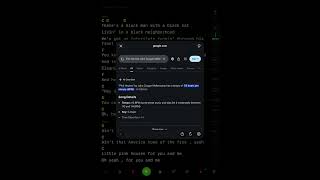
Metronome and Count-In
Tempo right there with the lyrics instead of in another app.
Written guide: Tuners
VIDEO 11
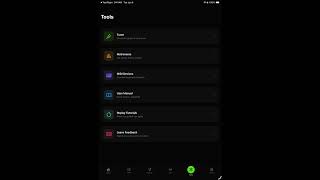
The Tools Tab
Tuners, metronome, smart glasses, foot pedals, MIDI, and the web console.
Written guide: Tuners
VIDEO 12
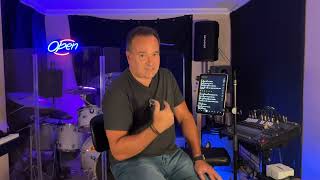
Song Markers
Mark a song once while the track plays and the lyrics follow the recording every time after that, no scrolling and no pedal.
Written guide: Teleprompter
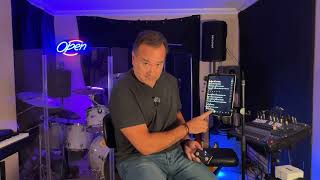
VIDEO 13
Using a Pedal
Keep both hands on your instrument: pair a Bluetooth or MIDI pedal and tell QMe what each footswitch does.
Written guide: Foot Pedals
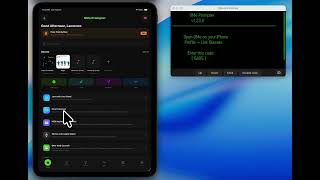
VIDEO 14
Pairing the G2 Glasses
Link QMe to Even Realities G2 glasses with a 4-digit code, then see your lyrics and chords in front of your eye, hands free.
Written guide: Smart Glasses · Why glasses?
VIDEO 15
Recording Yourself
Record yourself while the words follow your voice, then play it back, enhance it and share it. For musicians, and for anyone who talks to a camera.
Written guide: Recordings
The QMe channel on YouTube →