Your gear follows the song
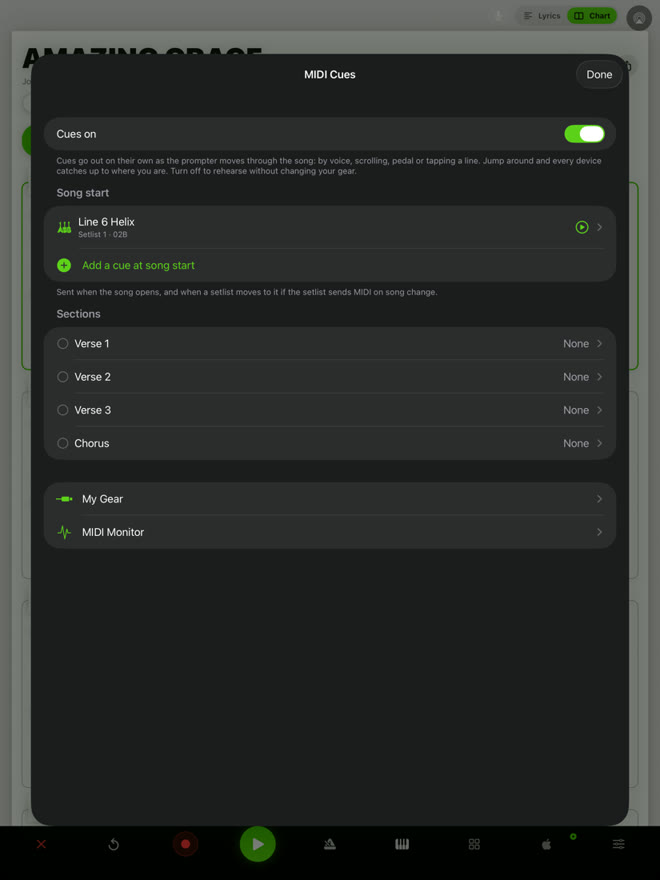
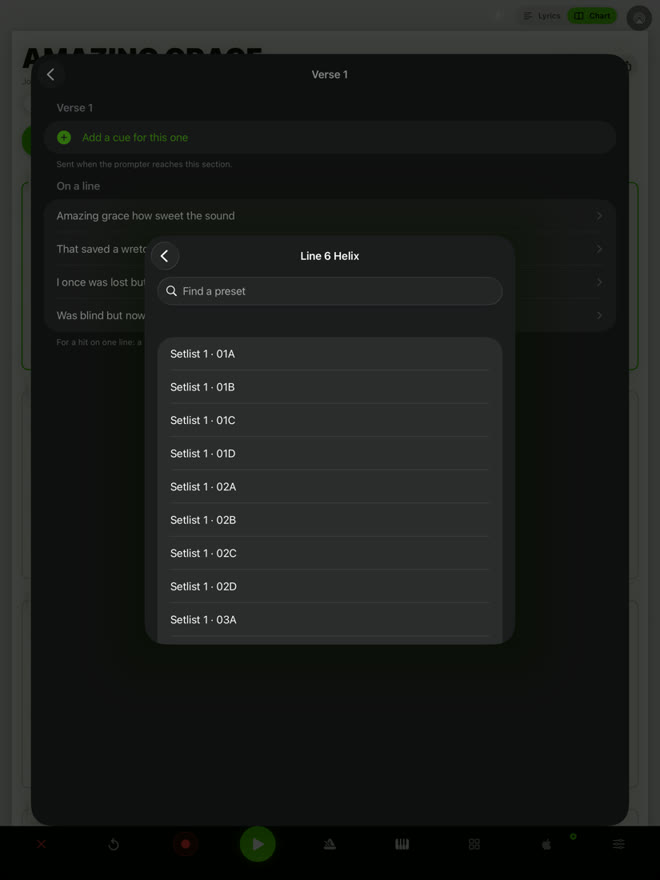
QMe changes your preset, a mixer scene or a lighting look as the song moves from verse to chorus, and catches up if the band repeats a section. That shipped in 1.47, and 1.48 added chords written from your stems and rig learning on the Chart. Join the beta to try the next update on your rig before it ships.
Join in three steps
Get TestFlight
Install Apple's free TestFlight app on your iPhone or iPad.
Tap Join
On the same device, tap Join the beta and install QMe.
Sign in and play
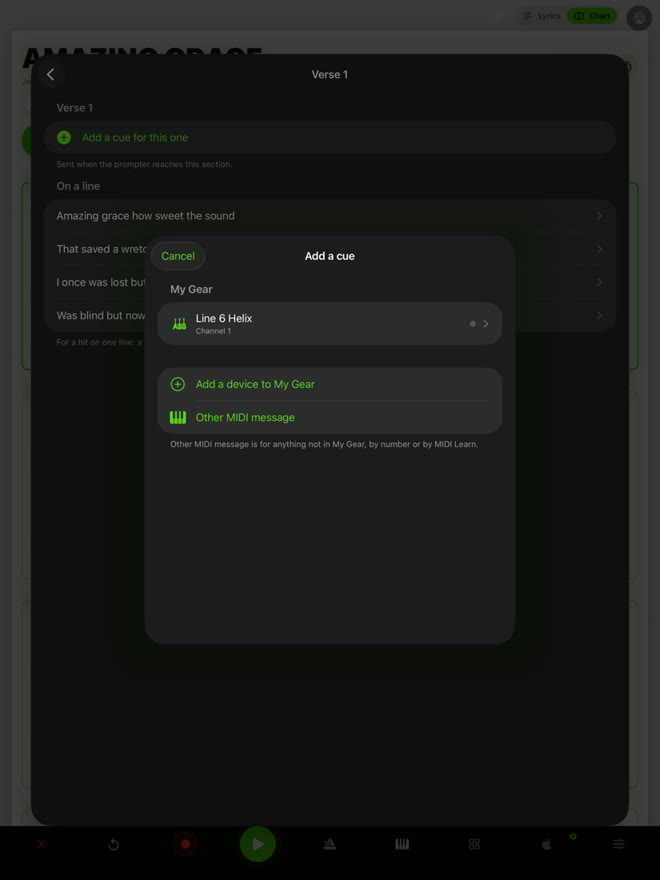
Use your usual QMe account and your songs are there. Add your gear in My Gear and press Test.
What's new in 1.47
Also new: a key check that tells you if a song's chords point to a different key. You can set cues on a computer too: open a song on qmeprompter.com and choose MIDI cues.
Gear in 1.47
This is a beta, so tell us how it goes with your rig. That's the point.
Questions
Is the beta free?
Yes. The beta is free to install and test on TestFlight. MIDI cues, program change, tempo to your pedals and the key check are free features; Jam Mode and backing tracks are part of Pro.
Will I lose my songs?
No. The beta replaces the App Store version on that device and keeps your account. Sign in with your usual QMe account and your songs are there.
What is TestFlight?
TestFlight is Apple's free app for trying apps before they are released. Install it from the App Store, then tap the join link on this page.
What do I need to connect my gear?
Most gear connects with a USB-C cable or a USB MIDI interface; a few pedals need a TRS MIDI cable. The device settings in QMe tell you which.
How do I go back to the regular version?
Install QMe Prompter from the App Store again. Your songs stay in your account.
What should I test?
Add your device in My Gear and press Test. Then put a cue on the chorus and play a song through, including a repeated chorus. Tell us your gear, how it is connected and what happened.
Ready to try it?
Free on iPhone and iPad. Tell us how it goes: take a screenshot in the beta and tap Share Beta Feedback, or email support@qmeprompter.com.
Join the beta on TestFlight